
Tools for every step of your Getty Images / iStockphoto journey
1
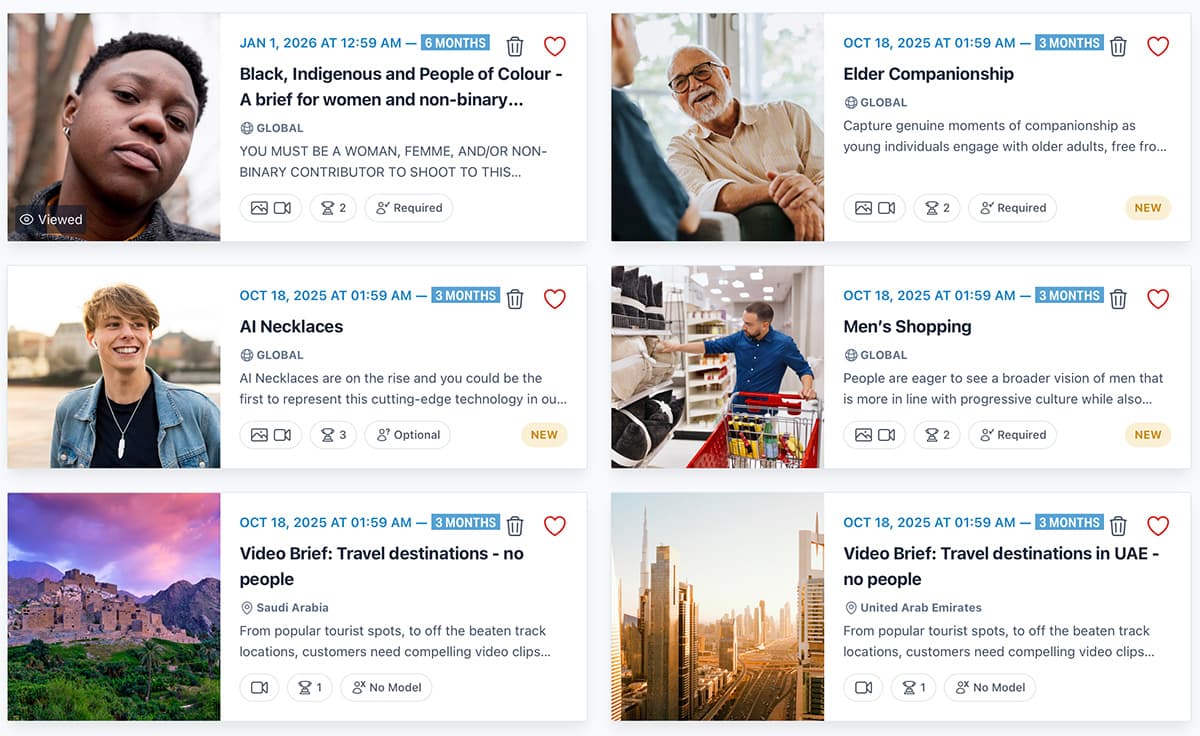
Find Creative and CC Briefs
Get expert inspiration from Getty for your next shoot.
2
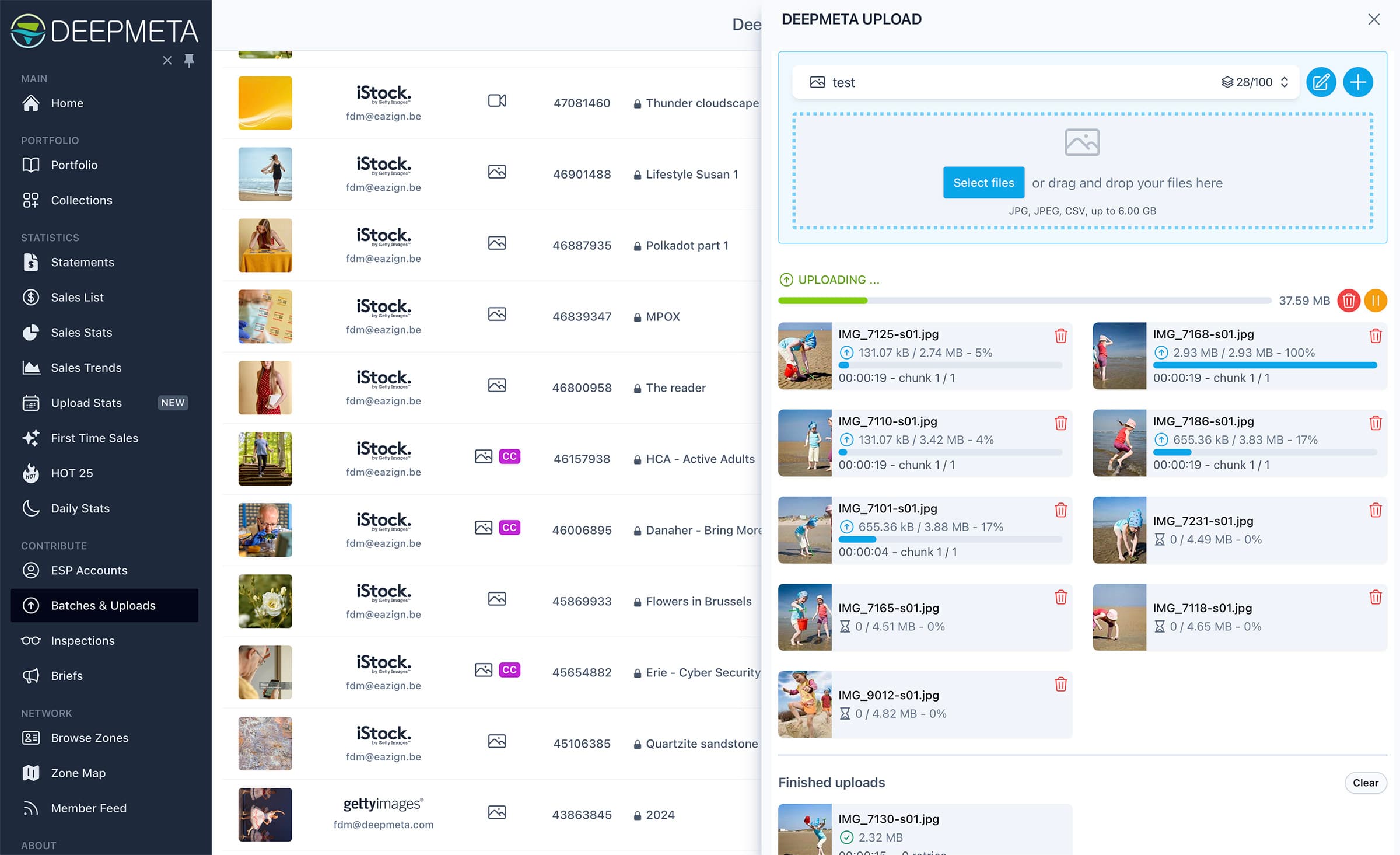
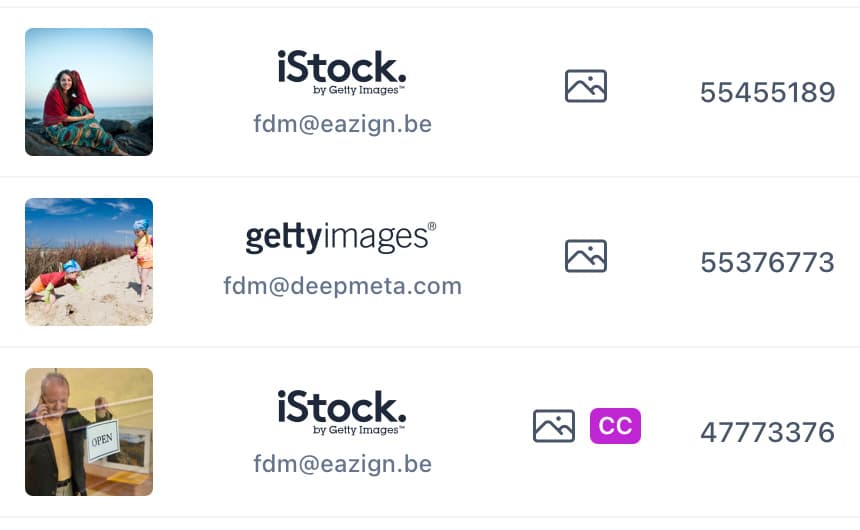
Upload your Work
Advanced uploading, optimised for speed and efficiency.
3
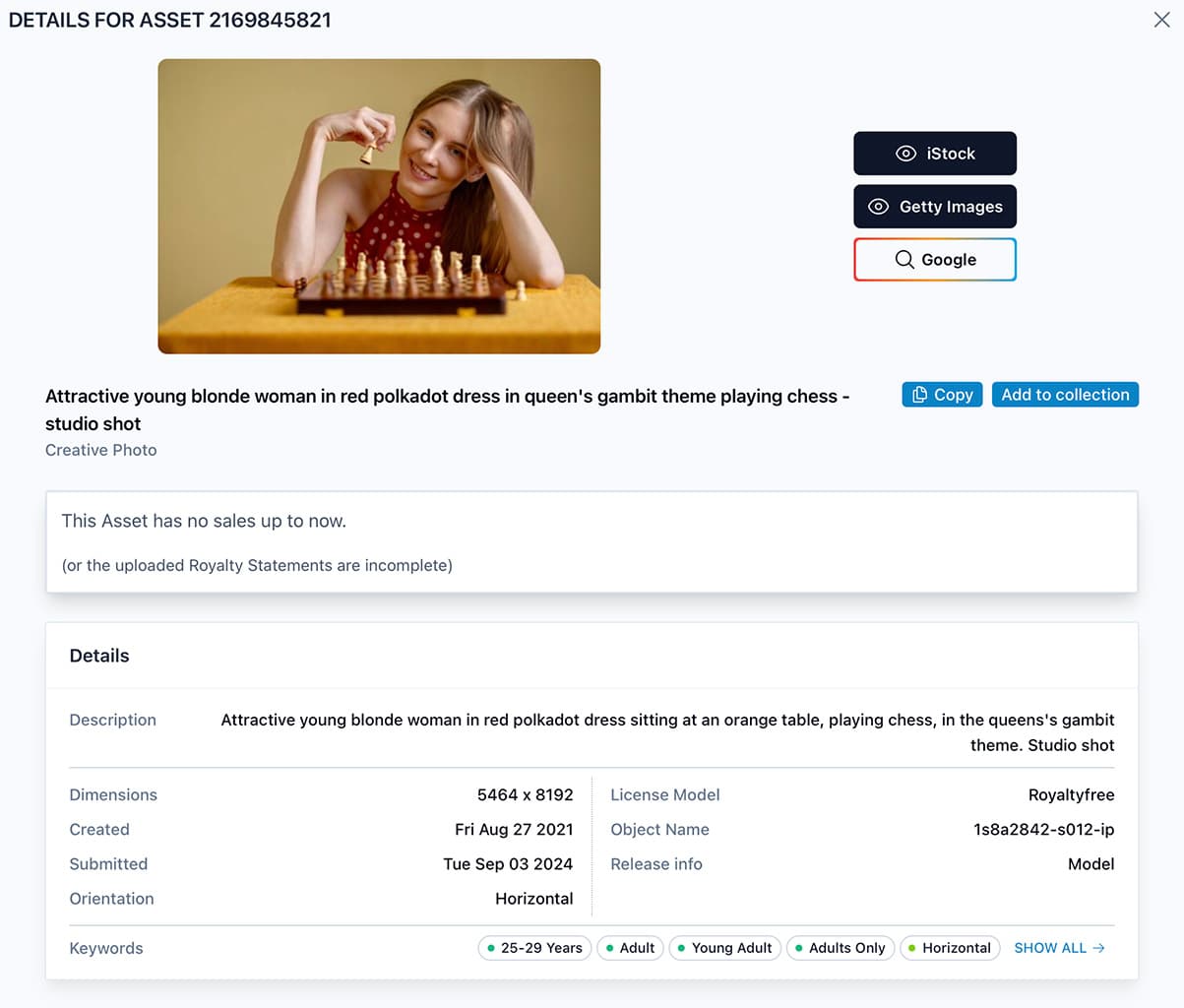
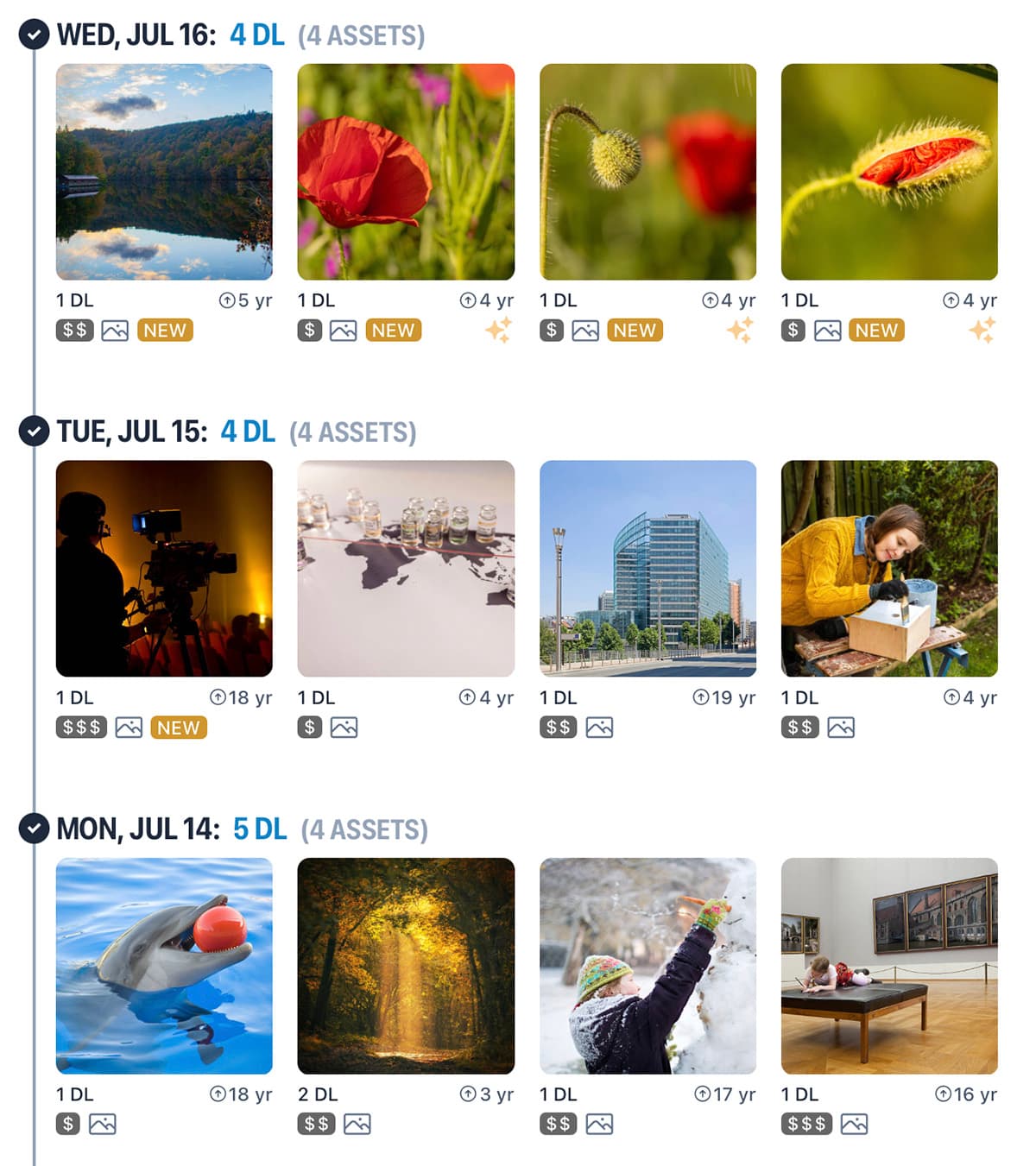
Follow up the Inspections
Get detailed visual reports of reviews and rejections.
4
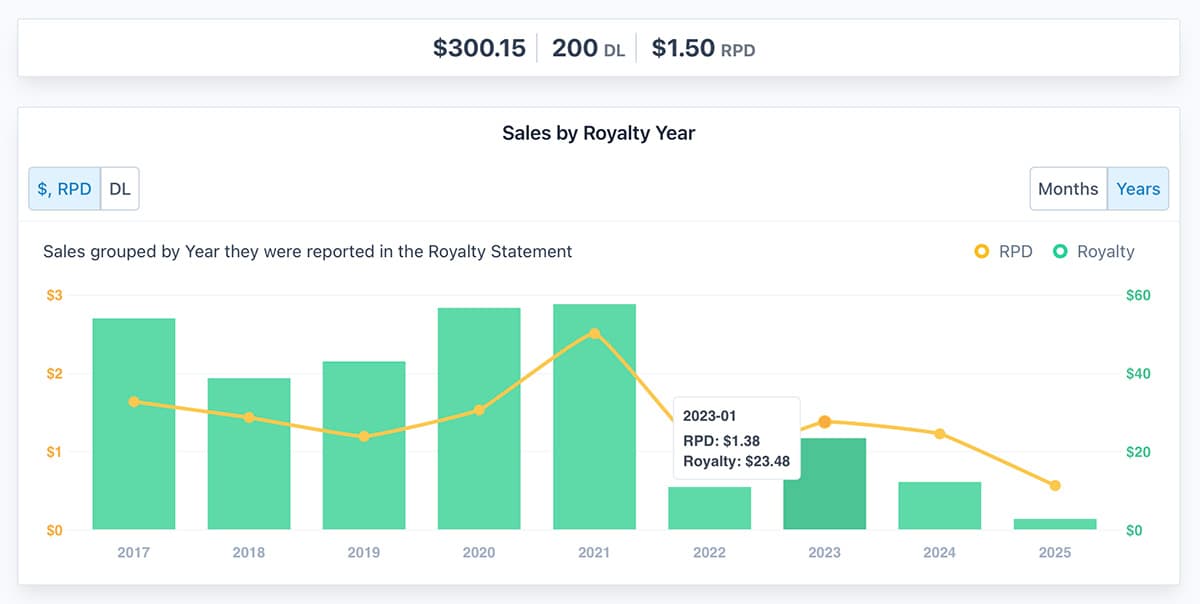
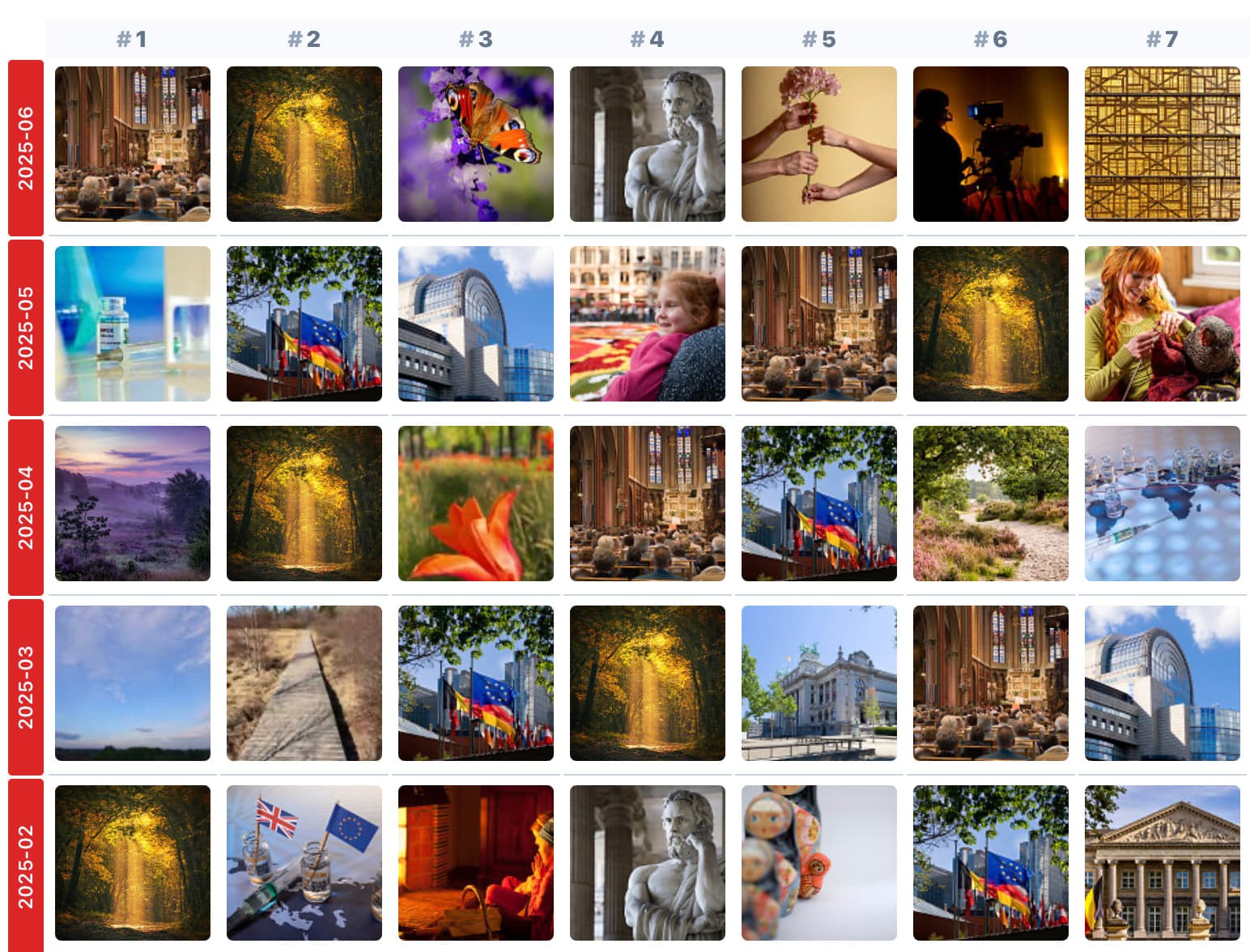
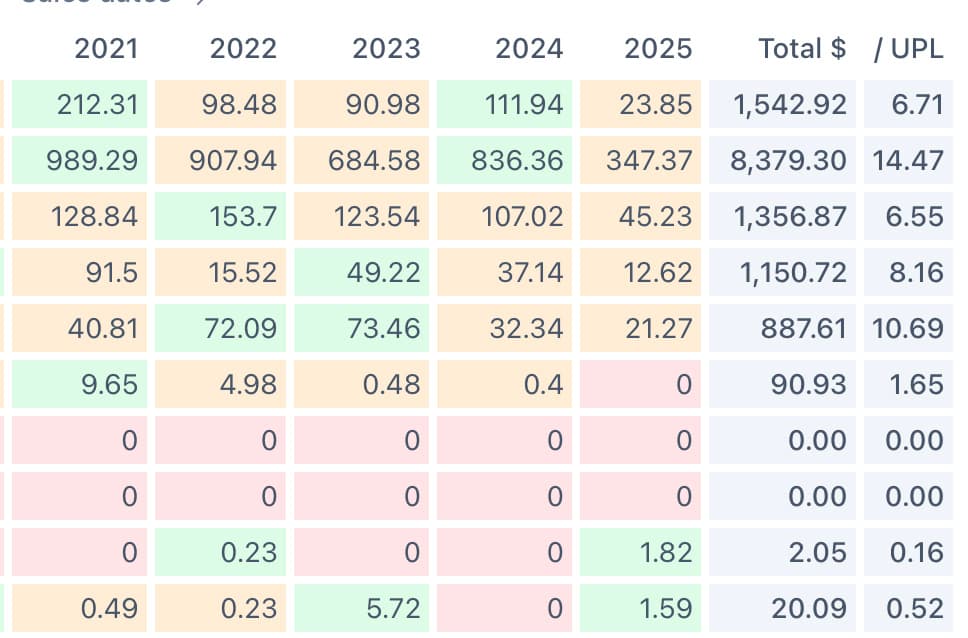
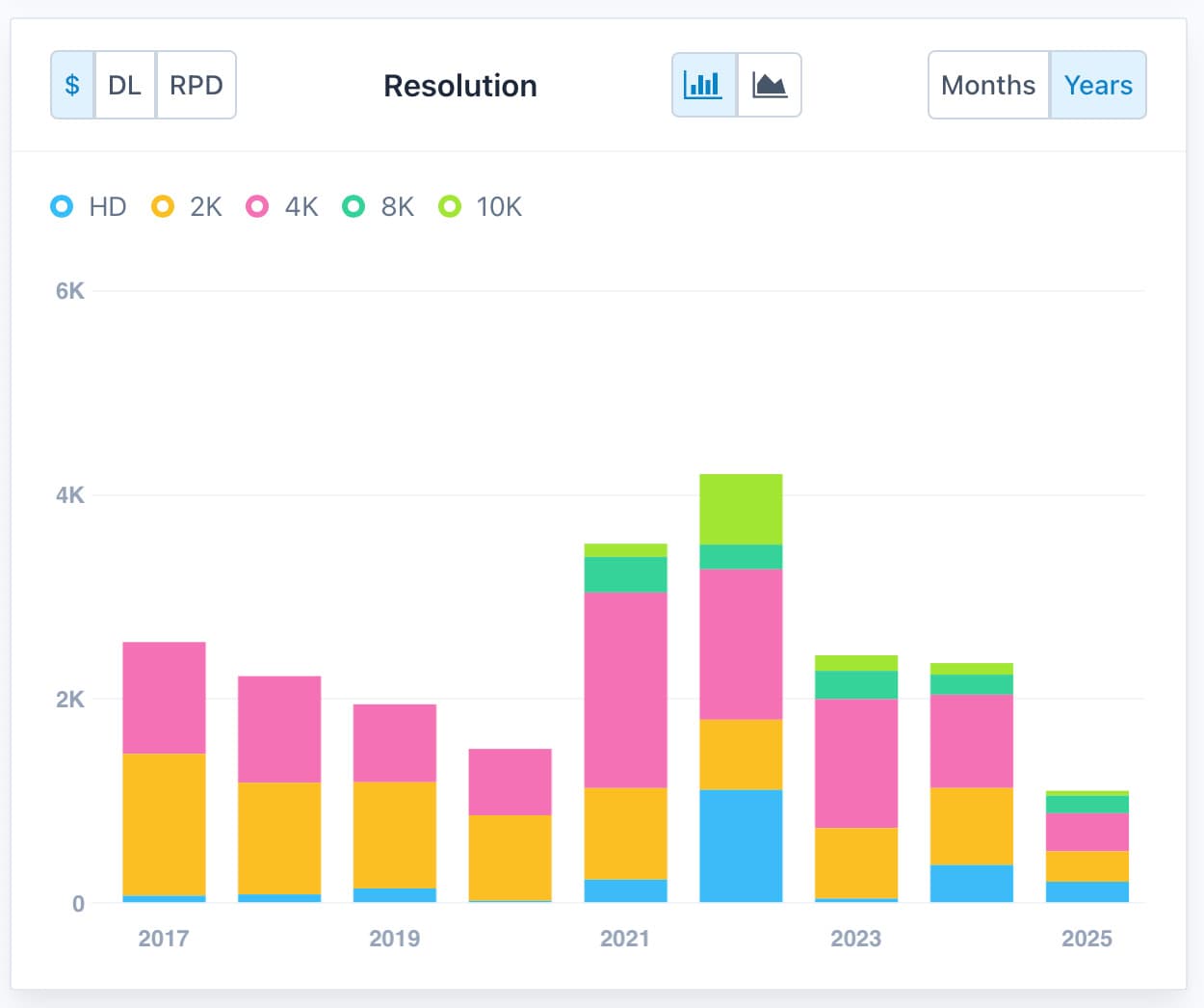
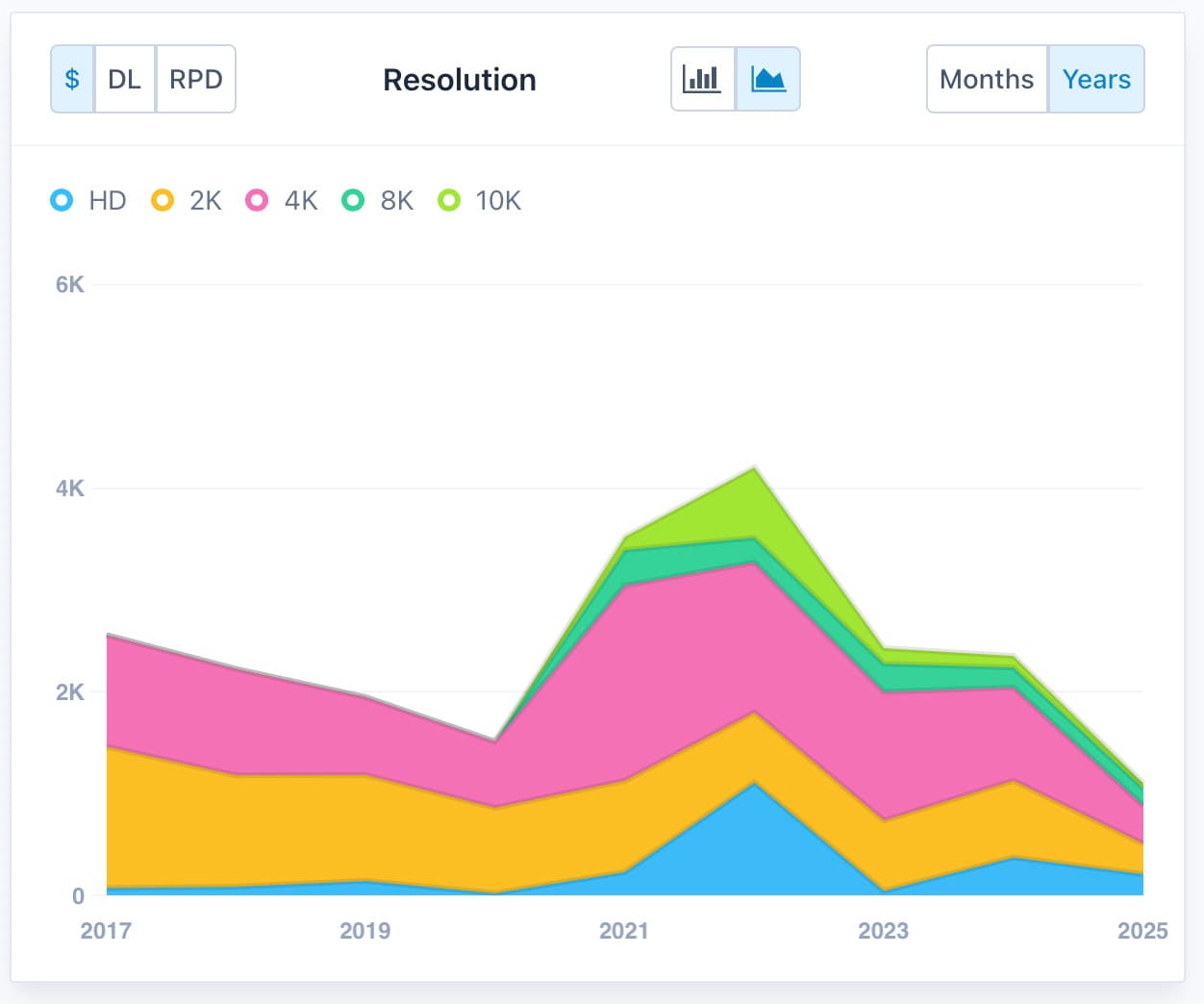
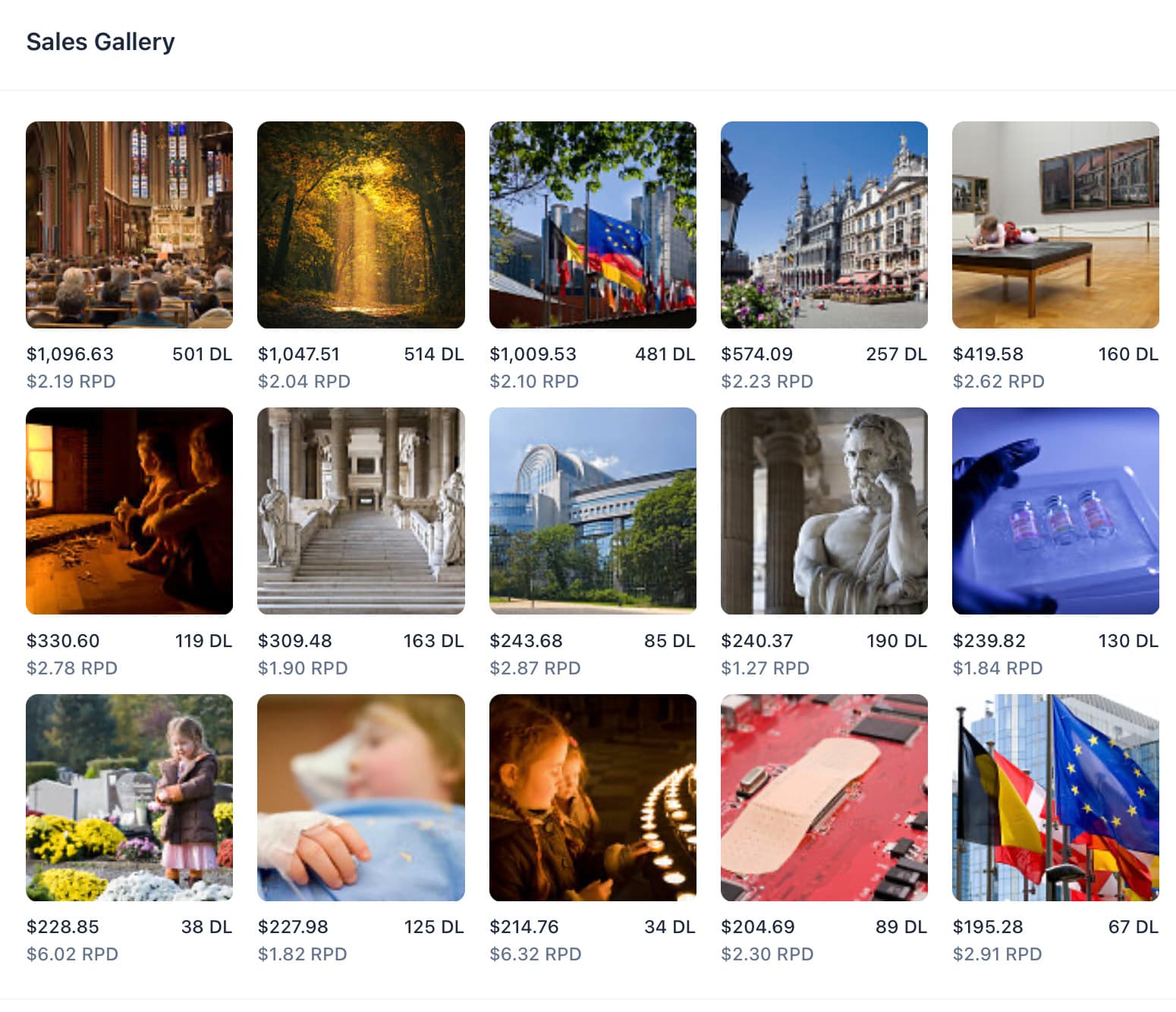
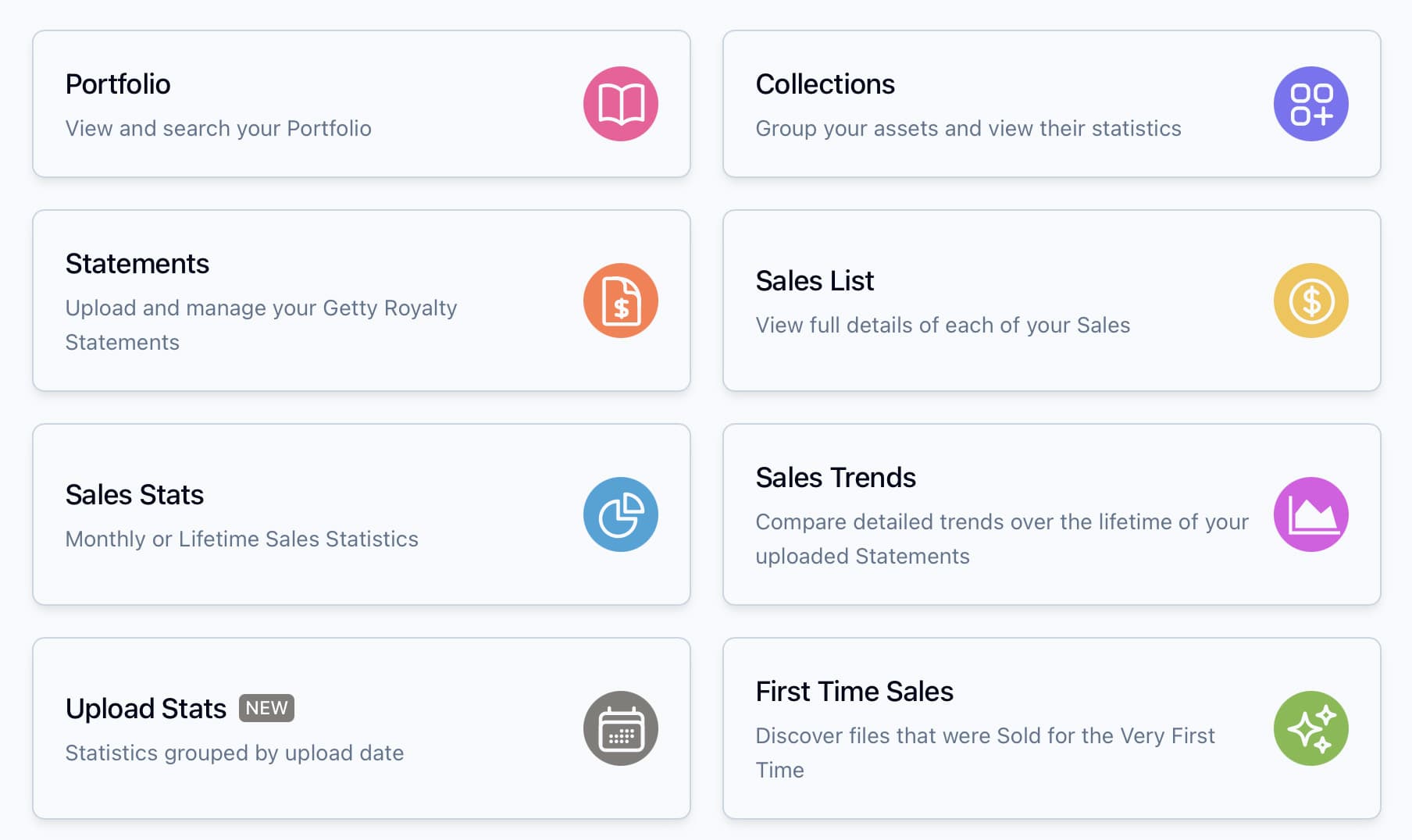
Analyse your Sales Statistics
Browse detailed charts and tables to analyse your sales.
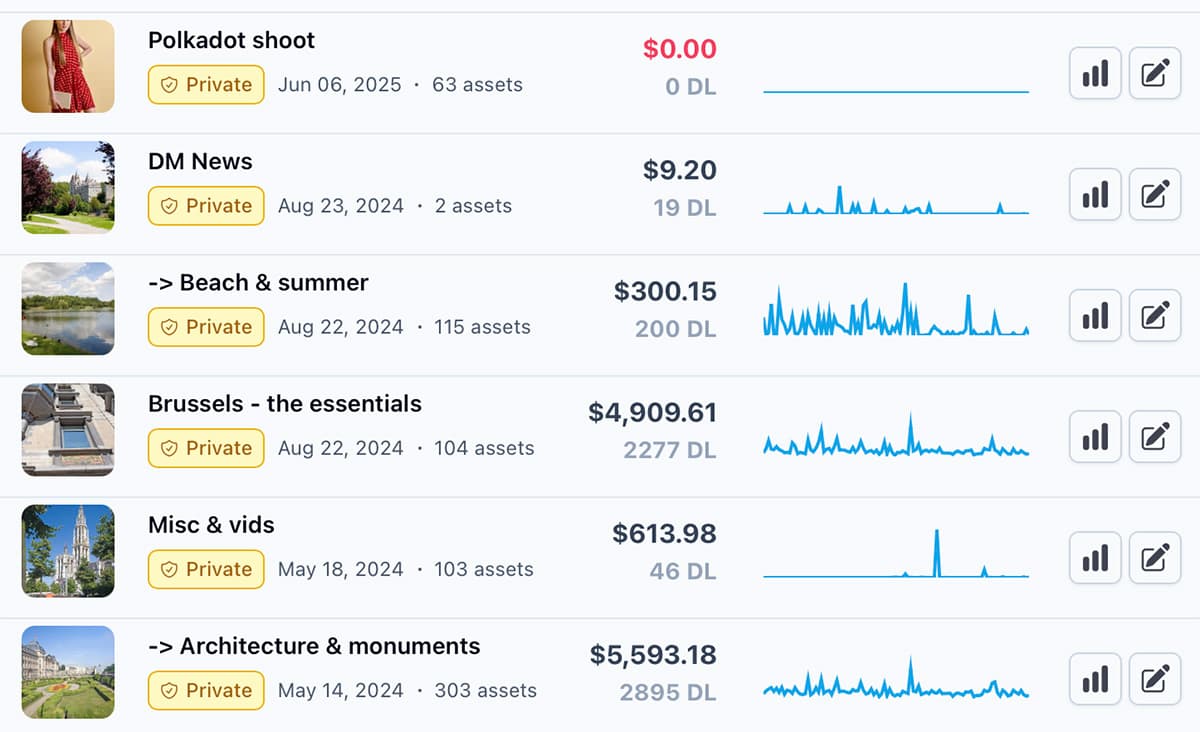
Fully featured Asset Management System for your stock uploads:
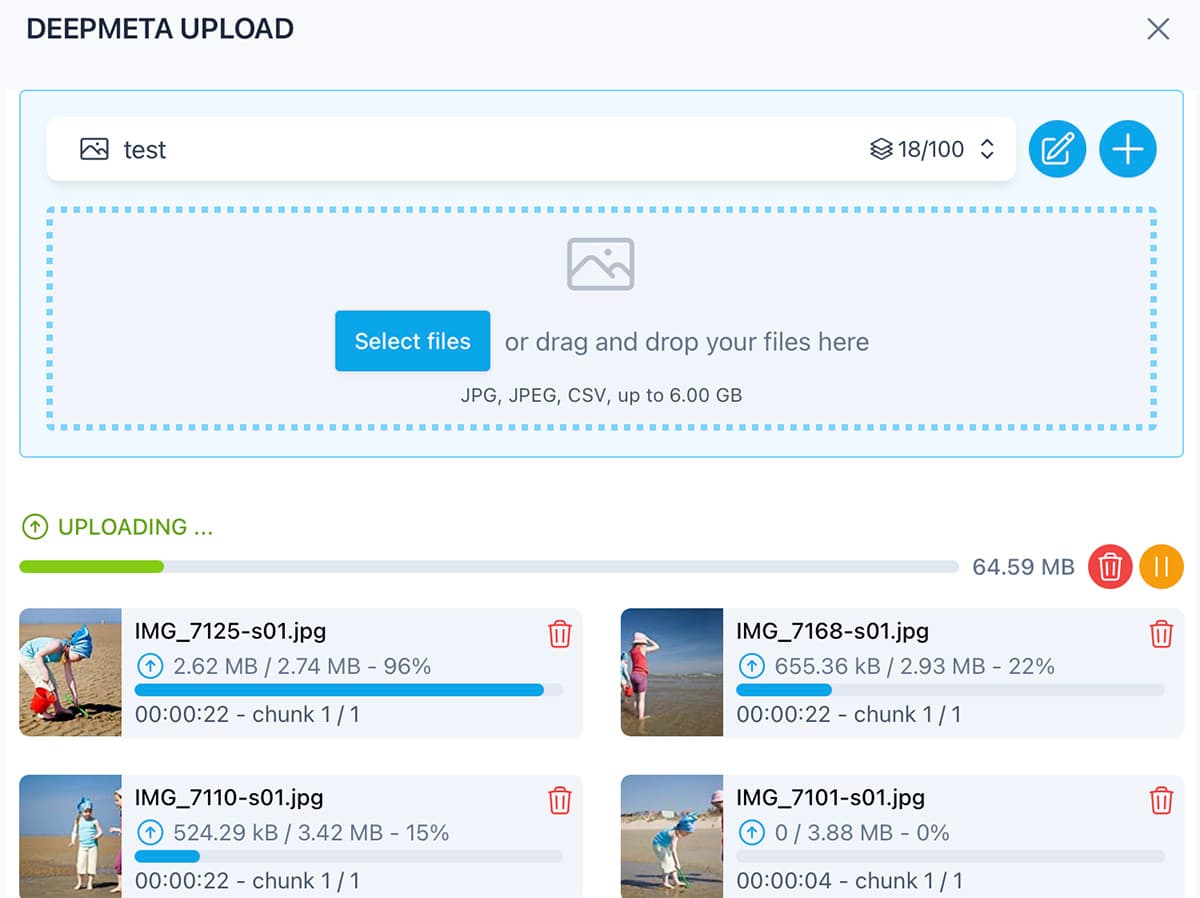
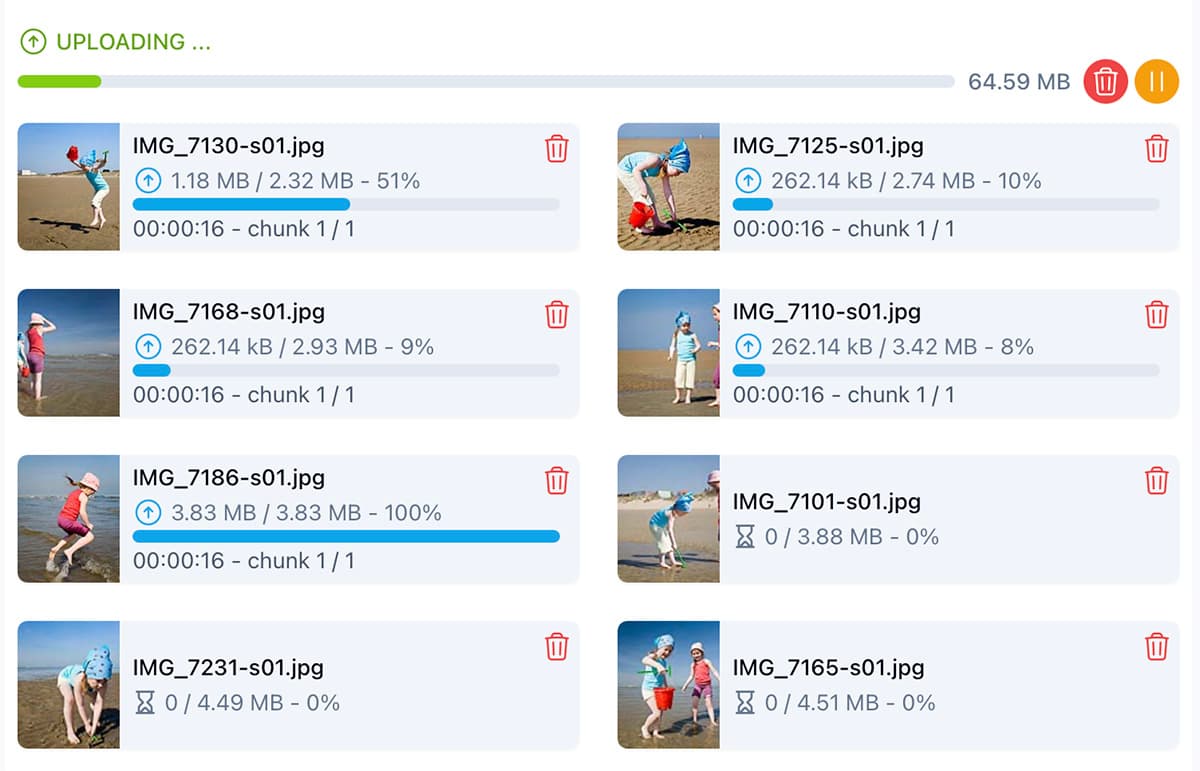
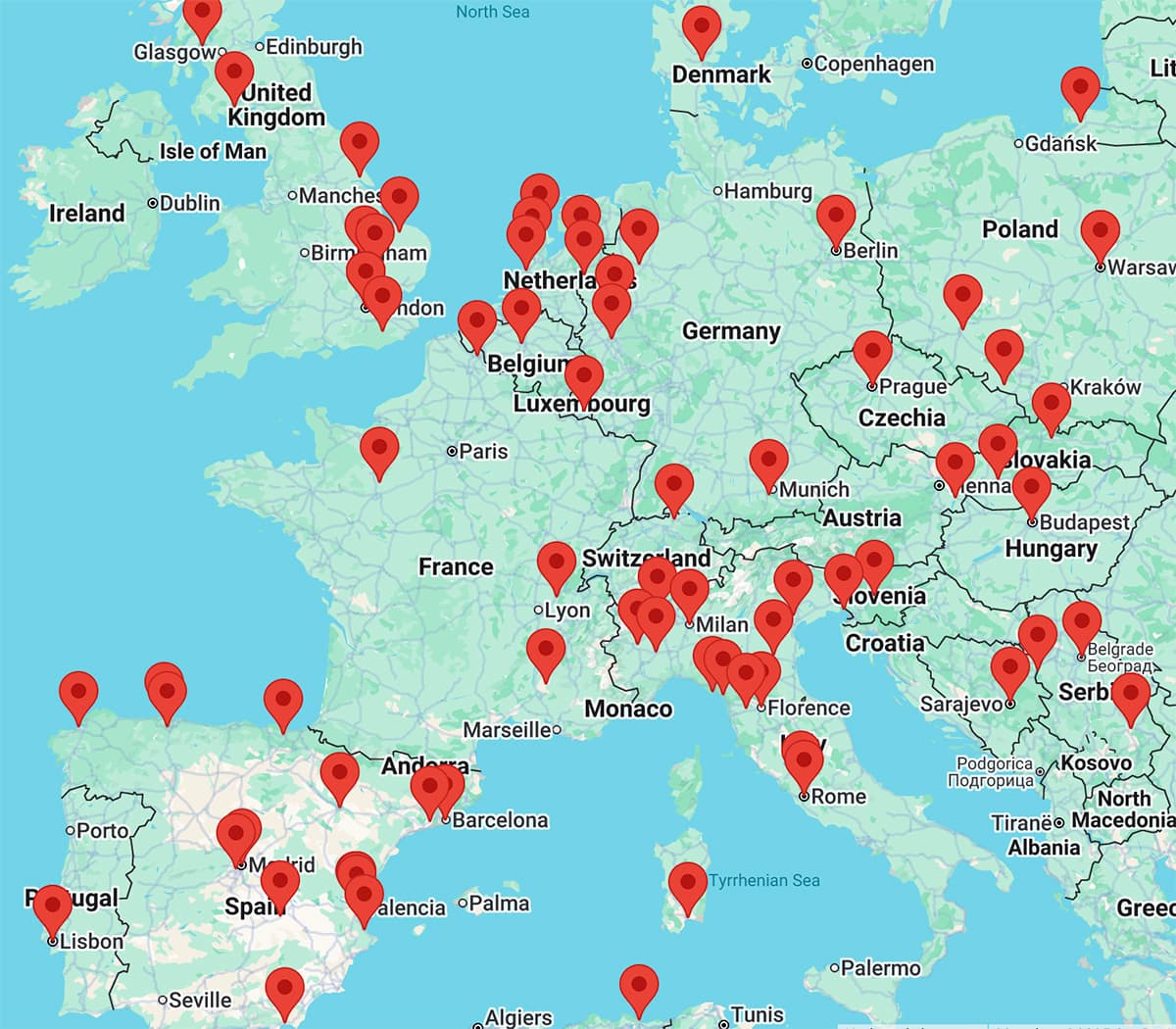
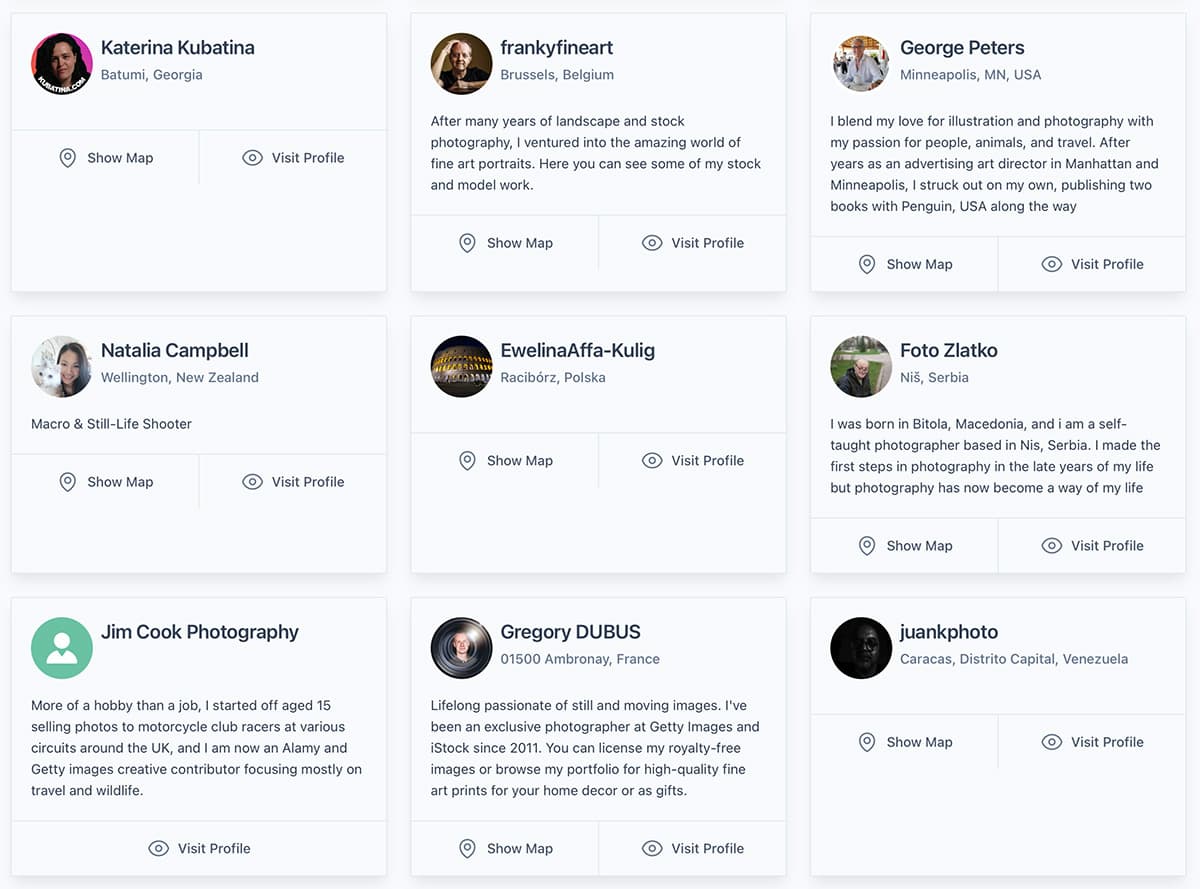
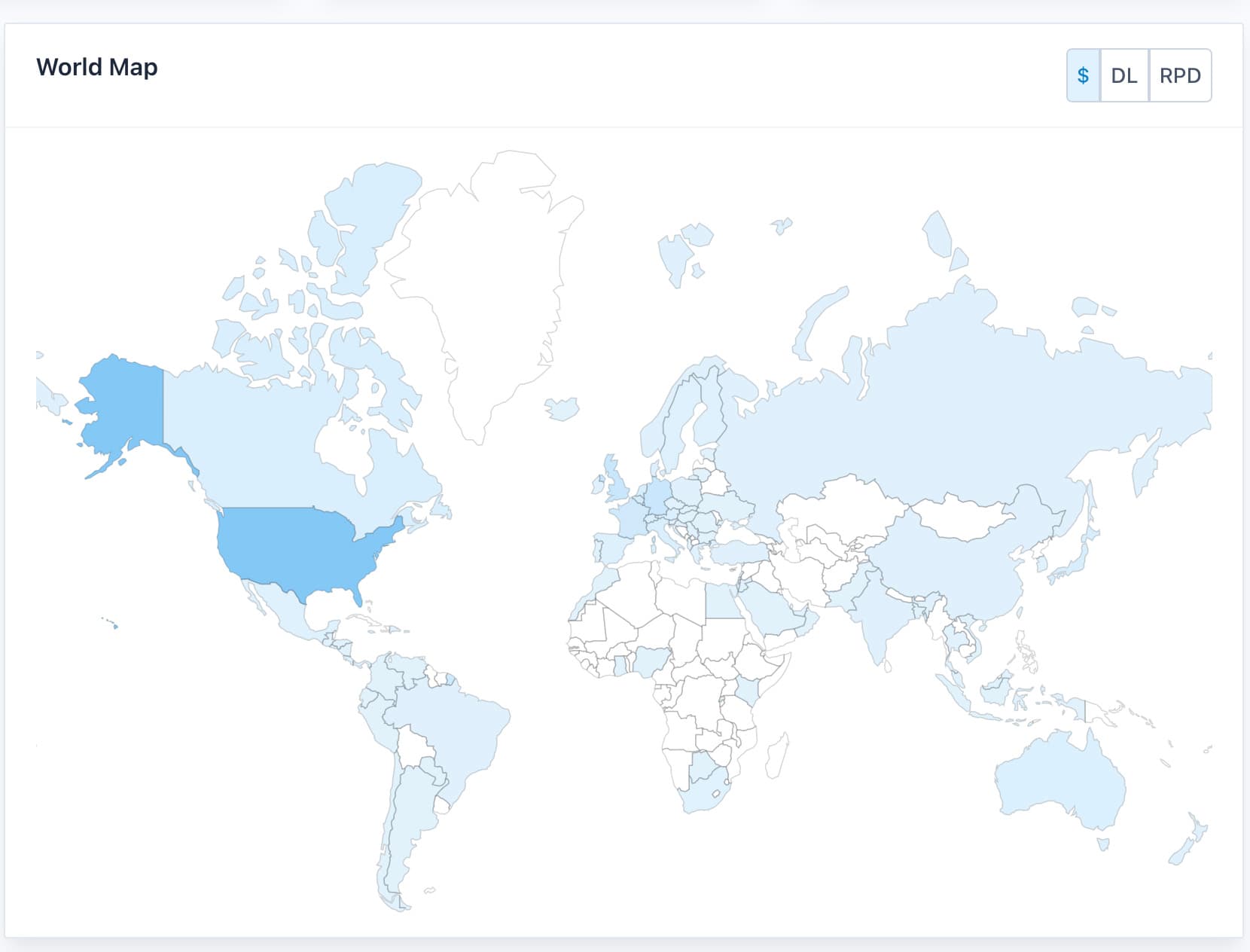
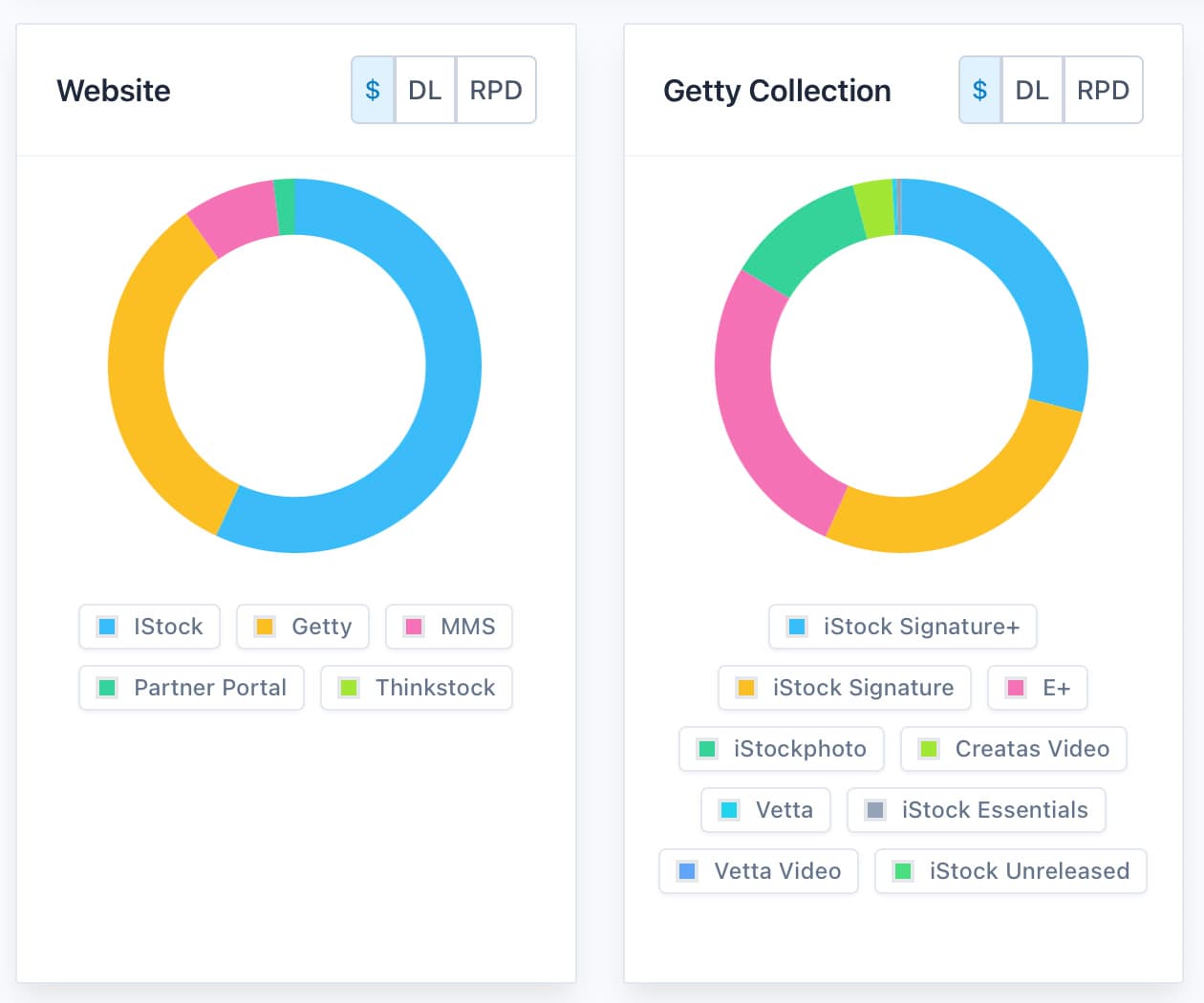
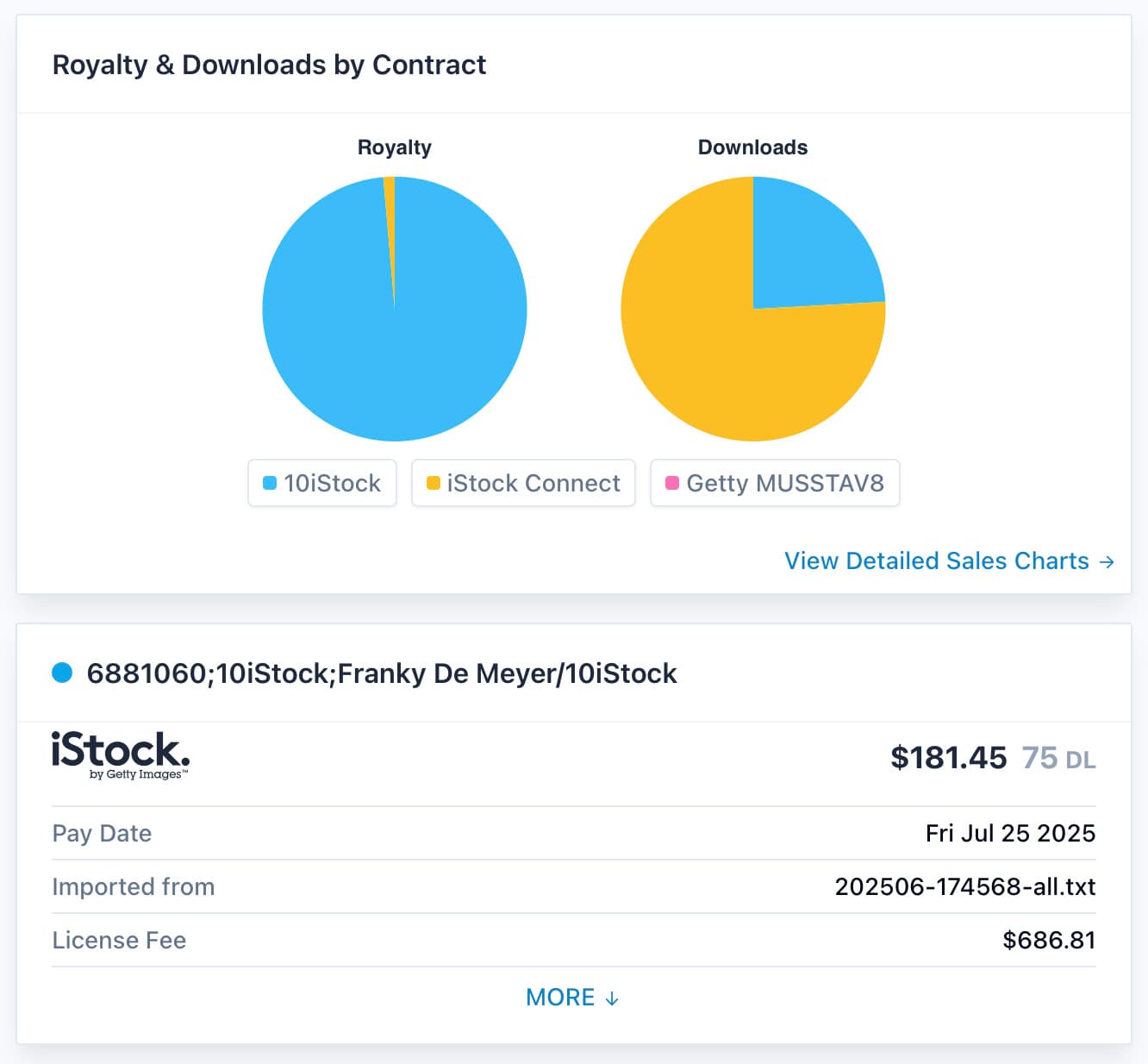
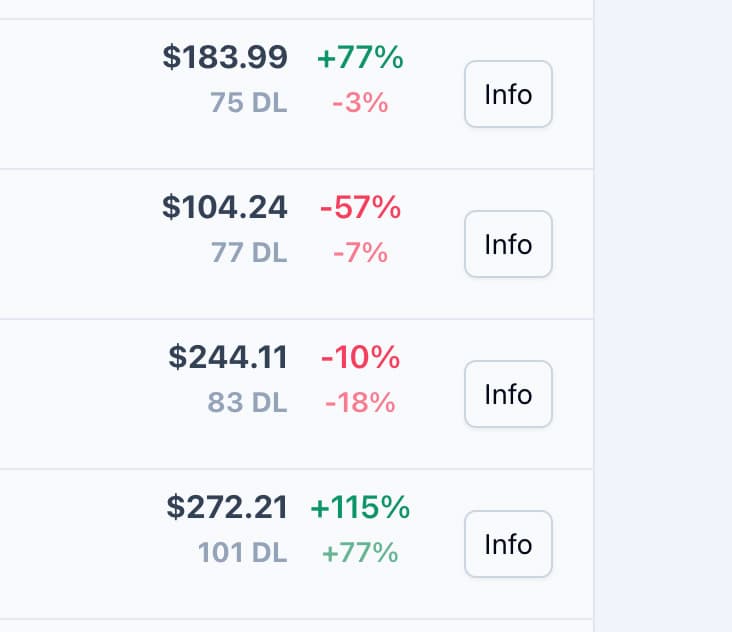


The new DeepMeta 4 is a perfect service. Finally, I have everything in the same place, from comprehensive stats to fast and effective uploads, ideally fitting my workflow.
Alex Potemkin - Stock Photo & Video

DeepMeta has been my number one tool for interacting with Getty Images from the very beginning. It's fast, simple, and informative. And now it's even in my pocket - I can use it wherever I am and whenever I need it!
József Bagota - Freelance Graphic Designer

As a long-time exclusive contributor to iStock and Getty Images, I've relied on DeepMeta for years to manage my entire portfolio. From easy uploading, fast and intelligent metadata attribution, to sales and trends analysis using powerful statistics. DeepMeta is more than just a tool it's a cornerstone of my professional workflow.
Grégory DUBUS - Stock and fine art photographer













Frequently asked questions
What is DeepMeta?
DeepMeta is software for Getty Images and iStock contributors: upload and keyword your photos, videos and illustrations, follow your inspections and analyse your sales. It works with Getty's own systems: your uploads, batches and inspections go through Getty ESP, the contributor platform of Getty Images.
Is DeepMeta official software from Getty Images?
DeepMeta is made by Eazign BV, a software company in Belgium founded by Franky De Meyer in 2007. Behind it are over 40 years of software industry experience, of which 15 years as exclusive contractor for Getty Images.
I currently use DeepMeta 3, can I keep using it?
For the moment you can, but the tools used for developing DeepMeta 3 are no longer supported by Microsoft. Especially the Mac version may stop working at any time in the future. We recommend switching to DeepMeta 4 as soon
as possible. For more info: read this Blog Post.
Is DeepMeta free?
Built under an exclusive contract with Getty Images, DeepMeta is free for all Getty Images and iStock contributors.
How do I get support for DeepMeta?
Questions, ideas or problems? Write to us through the contact page, or talk to us and other contributors on our Discord server.
What are the system requirements for DeepMeta?
DeepMeta runs in your browser, on any device. iOS and Android apps are in public beta. On a phone, the website adapts to the small screen, and the apps let you upload straight from your phone, with AI-suggested metadata. To join the beta, ask us on Discord.
